The BFCM Conversion Tracking Readiness Check, Channel by Channel
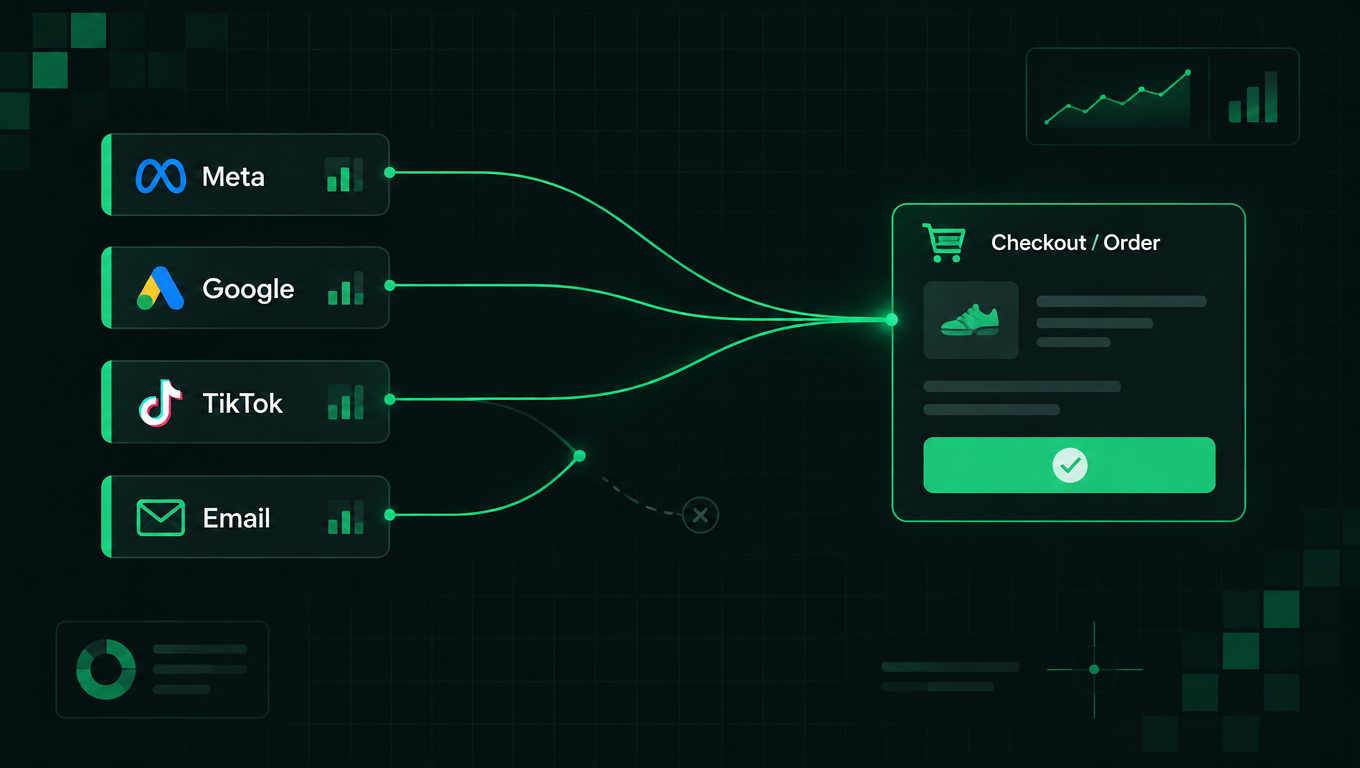
Your conversion tracking was installed and verified months ago. Every pixel fired at least once, GA4 shows a test purchase, Meta's browser and server events deduplicate cleanly. None of that answers the question that matters before Black Friday: which of your channels will behave differently from the others when volume triples?
The answer is not uniform, and no generic checklist carries it. Each platform's own API decides what it will accept, and those APIs disagree with each other more than their marketing pages suggest. During BFCM 2025, Shopify's platform peaked at $5.1 million in sales per minute on Black Friday (Shopify BFCM data). The same broken check that costs a rounding error today costs a real number at that volume.
This is a readiness check, not a post-install one. It assumes your tracking already works and looks for the asymmetries instead.
TL;DR
- The pre-season question is not "does tracking work" but "which channel diverges when volume triples."
- Google Ads accepts purchases only and has no test surface, so its only proof is a real order in the conversion column the next day.
- Test modes on some pixels are pixel-level settings, not per-session ones. Flipping one on can route live customer traffic down a validation path. Test with a second pixel instead.
- Refunds reach one destination. Cancellations reach none. Nothing alerts you when a channel stops sending.
- The "exclude admin, POS and API orders" switch removes subscription renewals too. On a subscription store it can halve your reported conversions with no error anywhere.
- One real order followed through the whole stack answers all three checks on every channel you run. Do it before the freeze and write the numbers down.
Every channel has its own asymmetry
Run down the channels you actually use. Each row is a thing to verify before the season, plus the quirk that makes that channel behave differently from its neighbors.
| Channel | Verify before the season | The asymmetry to know |
|---|---|---|
| GA4 | Transaction ID carries the numeric order ID, not the order name; debug mode works on a test order | The only destination that receives refund events |
| Meta | Browser and server purchase events deduplicate on a shared event ID for one order | Test events code lets you validate without dirtying production data |
| Google Ads | A real order lands in the conversion column the next day | Purchases only, no funnel events, and no test or debug mode of any kind |
| TikTok | Test event code validates an order without recording it | Full funnel, but its Events Manager is a separate surface to check |
| Test mode is off on the production pixel | On some setups test mode is a pixel-level switch, not per-session, so flipping it diverts live traffic | |
| Snapchat | Test mode is off on the production pixel | Same pixel-level trap as Pinterest, via a validation endpoint |
| Klaviyo | Which orders it attributes, and from which signals | Revenue comes from its own click and open signals, not from your ad-channel tracking; it answers a different question |
Two of these deserve a closer look because they mislead quietly.
Google Ads gives you no shortcut. It takes purchases and nothing else, so there is no add-to-cart or begin-checkout comparison against Meta at any price. And there is no test console to shortcut the wait. The only pre-season proof is a real order that shows up in the conversion column the next morning. Schedule that order for early in the week, not the Thursday before Black Friday.
Some test modes are a switch on the pixel, not a flag on your session. If your Pinterest or Snapchat test mode is configured at the pixel level, turning it on sends that pixel's real customer traffic down a validation path where nothing gets recorded. The clean way to test those channels is a second pixel instance for testing, with the production instance untouched. Check how your integration implements test mode before you touch it.
The one order that checks everything
One real order, followed through the stack, answers all three questions on every channel you run. Budget an afternoon; most of it is waiting for dashboards to catch up rather than clicking.
- Place a live order on the storefront as a customer would, with a real payment method and a discount code applied. A test-mode order will not exercise the paths real traffic takes.
- Note two identifiers from the order: the numeric order ID from its admin URL and the order name from the order list. You need both, because different destinations key on different ones. GA4's transaction ID should carry the numeric ID; Klaviyo typically keys on the order name.
- Check the delivery status in your tracking integration and confirm the order counted as sent for every destination you expect. If something shows as skipped, read the reason rather than the count. Skipped is not failed: the common reasons are an instance switched off, missing credentials, or an order outside the store's market scope.
- Open each platform's own surface for that order: GA4's realtime report, the event details in Meta and TikTok Events Manager, and the Google Ads conversion column the next morning.
- Write down what each platform reports for that one order against Shopify's order total. This is the step most teams skip, and it is the one that pays. A recorded baseline turns a panicked November question ("is Meta broken or is that its usual gap?") into a lookup.
The switch all your channels share
One setting exists on nearly every conversion integration, defaults to off, and costs more than any other item here when someone flips it in a hurry: exclude admin, POS and API orders.
The intent is sensible. Stop counting the phone order you keyed in by hand as an ad conversion. The classification behind the label is broader than the label reads. A storefront order means a web checkout. Everything else falls on the other side: point of sale, the Shop app, headless and API orders, orders created by an app, and subscription renewals. On a subscription store, renewals can be half your order count, so switching that toggle on in October can halve your reported conversions in November with no error anywhere to show you why.
Decide before the freeze, not during the season:
- Sell subscriptions? Leave it off.
- Key in a meaningful number of manual orders and run no subscriptions? Turn it on, and note the date, so the step in the data is explainable later.
A toggle change mid-sale is indistinguishable from a tracking failure when you look at the chart afterwards.
Why a platform's number differs from Shopify's
This inverts the usual advice, and it saves the most time during BFCM.
Your destinations typically receive the same figure from Shopify: the order total with tax and shipping included, discounts netted, in the store's base currency. So when a platform's reported revenue disagrees with Shopify's, the input was identical and the difference is downstream: attribution windows, that platform's own revenue definition, its deduplication, its modeling.
That means a value gap is usually not a bug. The mistake to avoid is "fixing" it by recomputing values per platform, which leaves you with numbers that agree with nothing, including finance. One number you can reconcile against Shopify beats nine near-misses. The baseline you wrote down in the one-order exercise is how you tell a definitional gap from a real break: compare against the known difference, not against zero.
What nothing will tell you
Three limits sit underneath everything above, and each one requires you to go looking.
There is no alerting. Nothing emails you when a channel stops sending events. During BFCM, put a look at delivery status and per-channel order counts on the calendar, morning and evening, with a name against it. "No news" carries no information in either direction.
Refunds reach one place and cancellations reach none. If your December return rate matters to a January bidding decision, that reconciliation is manual on every ad platform. Plan the spreadsheet now rather than in December.
A quiet channel can look like a quiet hour. A recent-events stream that shows only the last handful of events reads the same whether traffic stopped or tracking did. Per-channel order counts are the number to watch, because untracked orders show up there as a gap against the store.
Where this fits with the money half
Tracking readiness is one half of BFCM. The other half is the economics: your discount floor, your ad-cost kill-line, and who can move spend when those lines get crossed.
- Run the free 15-minute BFCM readiness check for the discount floor, kill-line and a dated plan.
- Work the full 23-item checklist for the offer math, decision rules and the final week.
- If order values and tags are the recurring headache, Pixel reconciles platform conversions against your orders, and UTM Health audits what your campaign tags are actually telling your reports.
FAQ
How long does the channel-by-channel check take?
Budget an afternoon for the first pass, most of it spent waiting for platform dashboards to catch up. The Google Ads row carries into the next day because there is no test surface to shortcut it.
How do I test Pinterest or Snapchat without touching live traffic?
Check first whether test mode is a per-session flag or a pixel-level setting in your setup. If it is pixel-level, use a second pixel instance for testing and leave the production instance alone.
Which channels miss funnel events the others send?
Google Ads takes purchases only. Klaviyo attributes from its own click and open signals rather than your funnel events. Everything else carries the full funnel.
Should I turn on "exclude admin, POS and API orders" before BFCM?
Only if you do not sell subscriptions. On a subscription store the switch also removes renewals, which can be half your order count. Either way, set it before the freeze and note the date.
Does a value gap between a platform and Shopify mean my tracking is broken?
Usually not. The same order total goes to every destination, so a gap is that platform's attribution window or revenue definition. Compare against the baseline you recorded on a known order before the season.
Sources
- Shopify, "BFCM data" ($5.1 million peak sales per minute on Black Friday 2025), shopify.com/news/bfcm-data-2025.