Ad Budget Tools That Recommend Changes but Leave Approval to Your Team
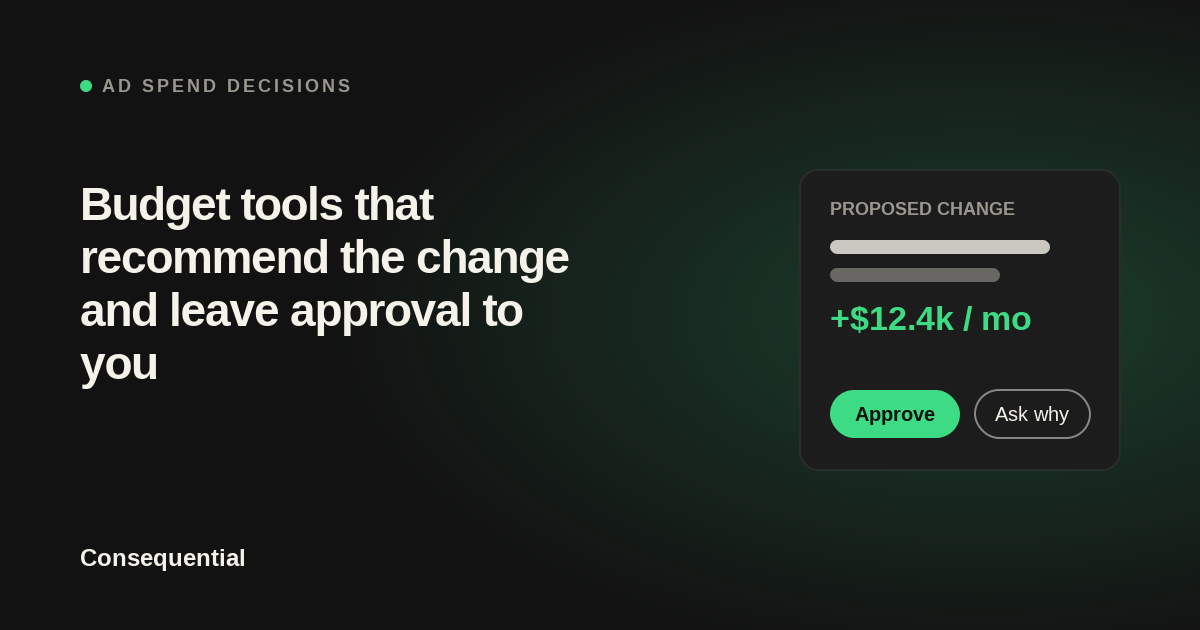
Most ad tools sit at one of two ends. Dashboards show you what happened and leave the decision to you. Automated rules and bidding change budgets for you and explain little. A growing group sits in between: tools that recommend the next budget change, say what it should earn, and leave the approval and the change to your team.
This guide is for teams that want that middle ground: a recommendation with the evidence, and a person who decides.
TL;DR
- Look for four things: a predicted revenue impact on each change, the evidence behind it, a clear approval step, and a review of what actually happened afterwards.
- Check whether "approval" means the tool makes the change once you click, or whether your team makes it. Both exist.
- Ask what numbers the prediction is computed on. Platform-reported revenue counts some orders twice; Shopify orders count each once.
- Consequential's AdBuyer ranks Meta, Google and TikTok budget changes by predicted revenue, computed on real orders. Your team approves, and your team or agency makes the change; AdBuyer has no write access to ad accounts.
What a good recommendation contains
A predicted impact. "Shift budget to Shopping" is advice. "Move $4,200 to Shopping, expected to add revenue at a lower CPA, with this confidence" is a decision you can approve or reject.
The evidence. Which campaigns, which numbers, over what period, and whether those numbers were checked against actual orders.
An approval step. Approve, skip, or ask why. A recommendation you cannot question is an automated rule with extra steps.
An outcome review. After the change, was the prediction right? A tool that only shows its wins teaches you to stop reading it.
Two kinds of approval
Some tools describe acting once you approve. Triple Whale describes executing when the user approves, and Polar Analytics says its agents act when you approve, with nothing changing in your ad platforms or store unless that action is set up and approved. Our comparison pages quote both from their own sites.
Others leave the change itself with your team. That suits brands whose agency runs the ad accounts, or whose policy is that no software touches spend directly. Decide which you need before you compare features.
Questions to ask any vendor
- What revenue is the prediction computed on: platform-reported, or reconciled to orders?
- Who makes the change in the ad platform, and does the tool need write access to do it?
- Can I skip a recommendation, or ask why, and see the reasoning?
- After I approve, does the tool report actual against predicted, including misses?
- Which channels does it cover: Meta, Google, TikTok, others?
Where Consequential fits
AdBuyer sends a daily ranked list of Meta, Google and TikTok budget changes: what to cut, what to scale and what each change should make. Each comes with the evidence, the predicted contribution and a confidence level, computed on orders that actually settled in Shopify. Your team approves, skips or asks why. You or your agency make the change in the ad platform, because AdBuyer has no write access to ad accounts, and every approved change is scored against its prediction afterwards, misses included.
The predictions rest on reconciled numbers: Pixel checks platform-reported conversions against Shopify orders, and NorthStar supplies the target gap each change is sized against. See how performance marketers use the daily list, or connect your Shopify store free.