Why Meta and Google Both Claim the Same Sale (and Neither Matches Shopify)
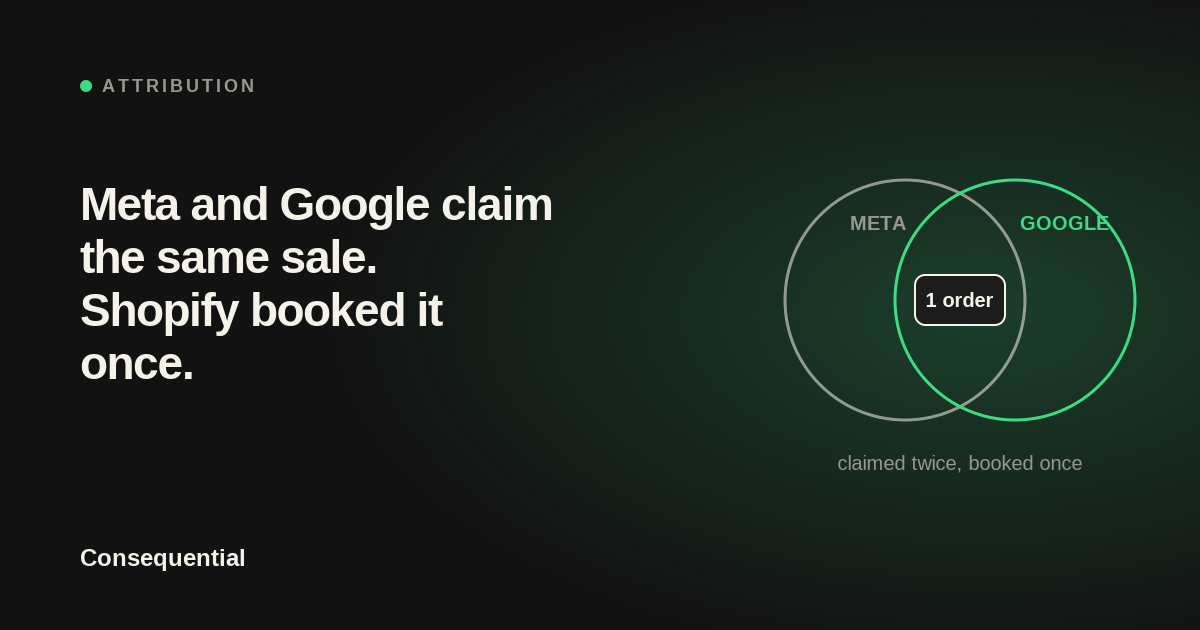
A shopper clicks a Google ad on Monday, a Meta ad on Wednesday, and buys on Thursday. Meta reports a sale. Google reports a sale. Shopify booked one order. Add the two platforms together and your ad revenue is higher than your store's, every month, and neither number matches Shopify.
This is not a tracking bug you can fix once. It is how each platform is built to count. This guide explains why the numbers never match, and the one reconciliation that settles which number to use.
TL;DR
- Each ad platform counts the sales it can link to its own ads, under its own attribution window and click rules. Neither one knows the other claimed the same order.
- So platform totals added together routinely exceed what Shopify booked. Shopify counts each order once.
- Use platform numbers to compare ads inside one platform. Use Shopify orders to decide how much each channel really earned.
- The fix is reconciliation: match each platform-claimed conversion to an actual Shopify order, and count each order once.
Why both platforms claim the same sale
Each platform only sees itself. Meta's reporting credits Meta ads; Google's credits Google ads. When a buyer touched both, each platform applies its own rules and both can claim the full order. There is no shared ledger between them.
Windows and click rules differ. Each platform decides how long after an ad a purchase still counts, and what counts as a click or a view. Meta changed both in 2026, which we cover in how ROAS is calculated. Two platforms on different settings are measuring different things, even for the same order.
The revenue figure differs. One integration may send total sales with tax and shipping; your finance team reads net sales. A refunded order may stay in a platform's count long after Shopify reversed it.
Some conversions are modeled. Where a shopper declined tracking, platforms can fill in modeled conversions. Those are estimates, not orders.
What the mismatch costs
The danger is not the reporting gap itself. It is the budget decision made on top of it. If Meta and Google both look healthy on their own numbers, both get more budget, and the total spend is justified by revenue that was counted twice. Our guide to what a good ROAS is for a DTC brand shows how far a platform figure can sit from breakeven once margin is in the picture.
How to reconcile, step by step
- Pick Shopify net sales as the total. It counts each order once, after discounts and refunds.
- Export each platform's conversions with order IDs or timestamps, and note the attribution setting each uses.
- Match claims to orders. For each order, list which platforms claimed it. Orders claimed by two platforms are where the totals inflate.
- Decide one rule for shared orders and apply it every month, so the split between channels stays comparable.
- Compare claimed revenue with matched revenue for each channel. The gap is the part of each platform's number you should not budget on.
Done by hand this is a spreadsheet exercise that breaks the first time a window changes. It is worth doing once, because it shows you the size of your own gap.
Where Consequential fits
Consequential's Pixel does this reconciliation continuously. It collects events first-party and server-side, stitches identity across sessions and devices, and checks the conversions Meta and Google report against your actual Shopify orders, so each order counts once and you can see where platform numbers and real orders disagree. Reconciliation only reads your Shopify orders; it never changes your store.
NorthStar then tracks your targets on those reconciled numbers, and AdBuyer sizes every budget change against orders that actually settled. Before you change anything, UTM Health shows how many Shopify orders arrive with no source attached at all, free to install and run.
You can connect your Shopify store free and see claimed and reconciled numbers side by side.